AAVV CHAT
AAVV CHAT is a private local-network communication app for Windows, designed for fast messaging and file sharing between computers on the same LAN. Internet access is not required for local chat.
Simple private communication on your local network
AAVV CHAT is intended for private environments such as offices, schools and home networks. Users can communicate in real time, choose a display name and avatar, and send files directly across the local network.
Start chatting in a few simple steps
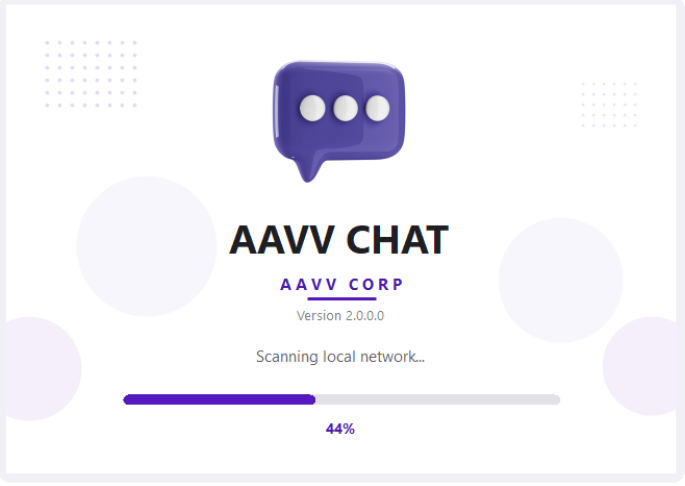
AAVV CHAT automatically scans the local network for other users. For the best experience, make sure the computers you want to use are connected to the same local network.
Open AAVV CHAT
Launch the application and allow it to scan your local network.
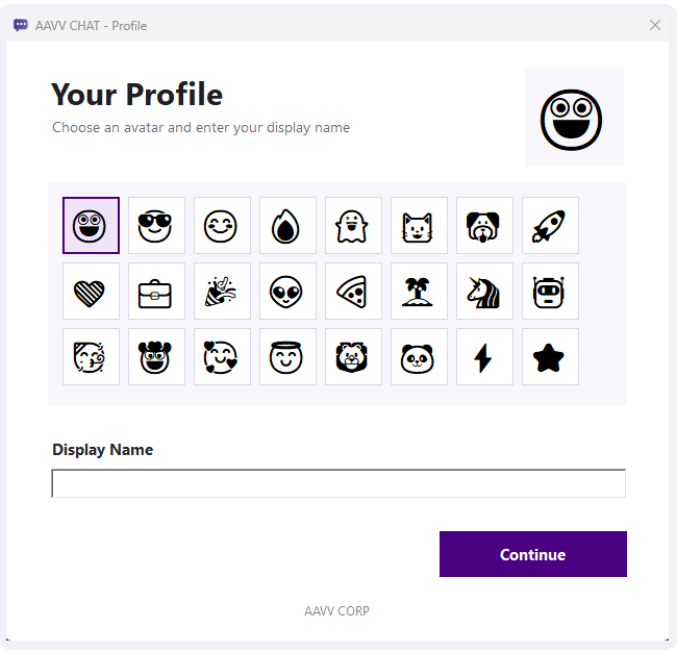
Create Your Profile
Select an avatar, enter your display name and continue into the app.
Select a User
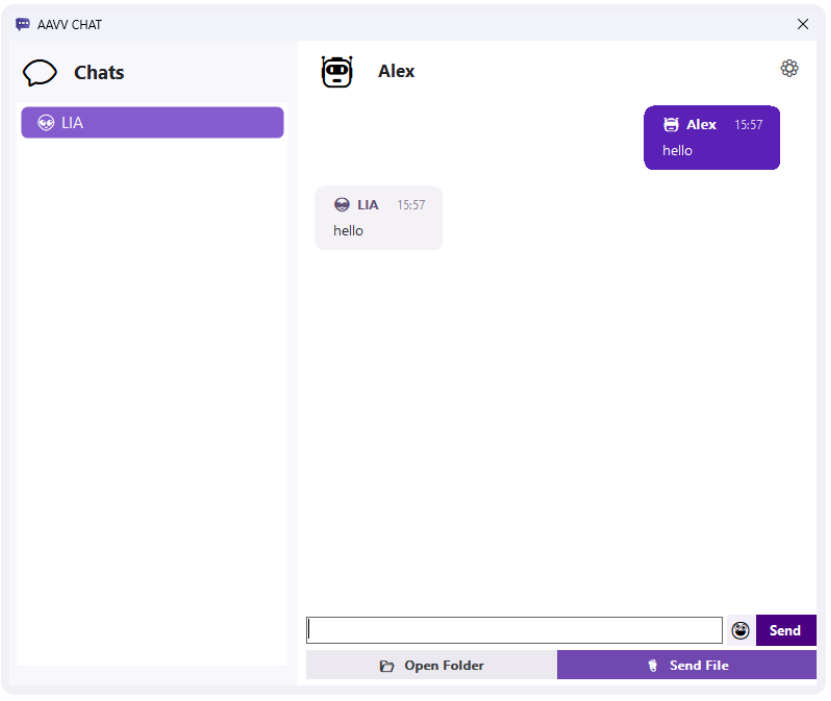
Available users on your LAN appear in the Chats list when discovered.
Chat or Send Files
Send messages, choose files or open the shared folder directly from the chat window.
AAVV CHAT 2.0 interface
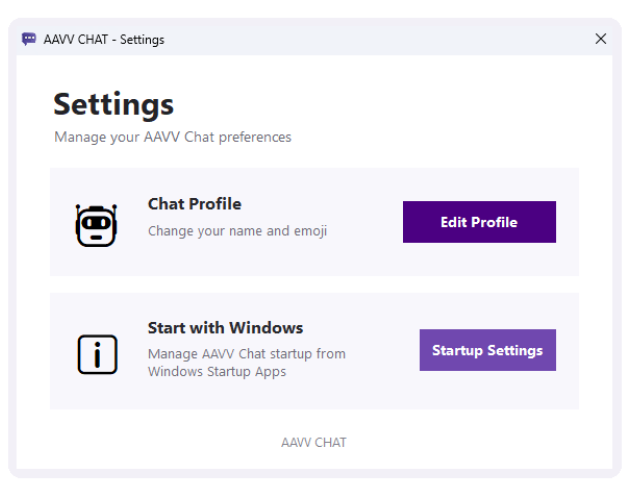
The redesigned interface keeps the app lightweight while making profiles, conversations, file sharing and settings easier to use.
AAVV CHAT support information
Does AAVV CHAT require an Internet connection?
AAVV CHAT is designed for local-network communication. Computers must be able to communicate with each other on the same LAN.
Why can't I see another user?
Confirm that both computers are running AAVV CHAT and are connected to the same local network. Network security or firewall settings can also prevent computers from discovering each other.
How do I change my name or avatar?
Open Settings and choose Edit Profile. From there you can select another avatar and update your display name.
How do I send a file?
Open a conversation and use the Send File button. The chat window also includes access to the shared folder used for local file exchange.
Does AAVV CHAT collect or store chat data online?
AAVV CHAT is designed for private local communication and does not require a cloud messaging account. AAVV CORP states in the Microsoft Store listing that no user data is collected or stored.
Need help with AAVV CHAT?
For technical support, installation questions, bug reports or other assistance related to AAVV CHAT, contact AAVV CORP.